| Minimum System Requirements |
- Pentium-class or equivalent Processor
- 10 MB of free disk space (for installation)
- RAM 128 MB or more
|
| Operating Systems Supported |
Windows98, Windows NT, Windows Server 2003, Windows 2000, Windows XP, Windows Vista |
| Product Tested At |
 |
| Awards |
 |
Our Award winning software has received awards and appreciation from the top rated websites and is best among editor choice and other shareware vendors.
View More Awards |
|

|
|
| |
 |
MS Access to MySQL Database Converter |
Only $29 |
|
 |
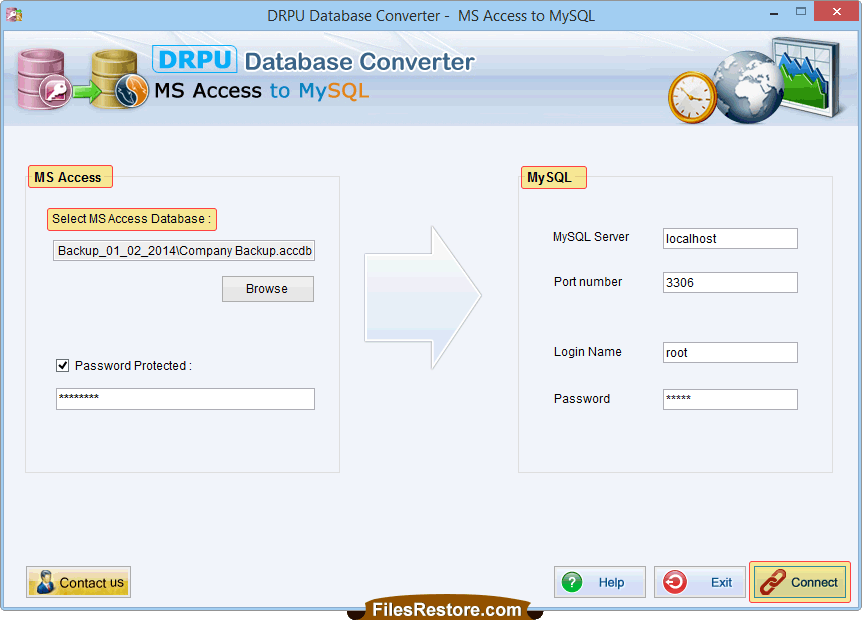
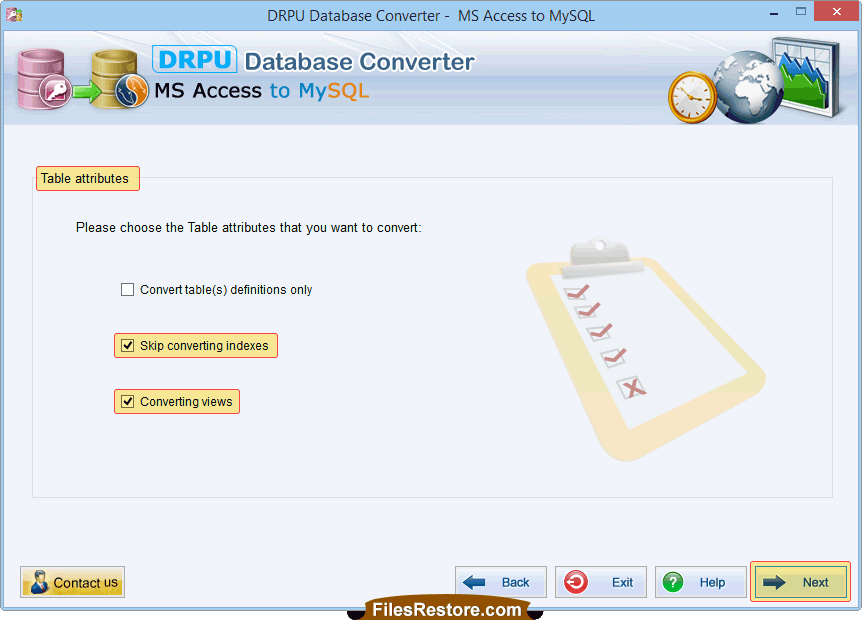
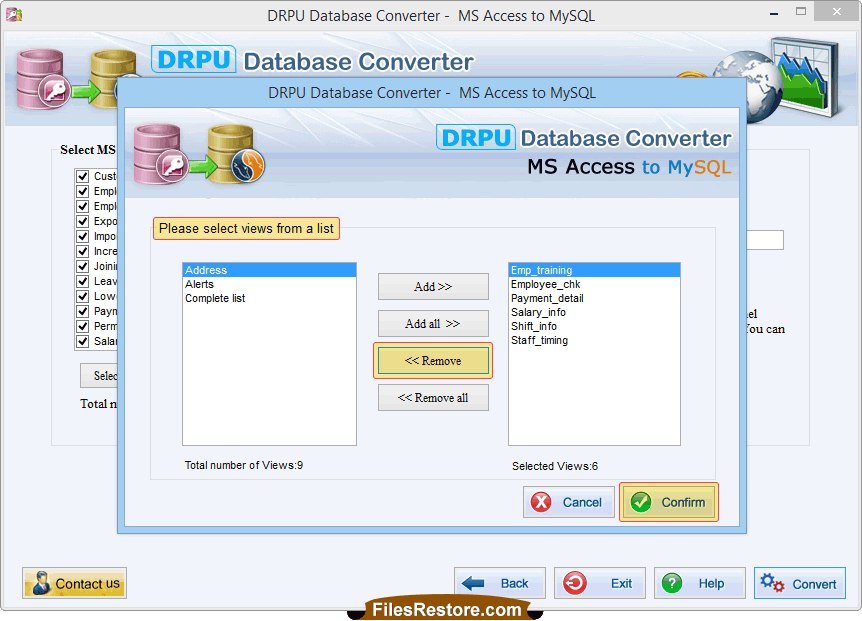
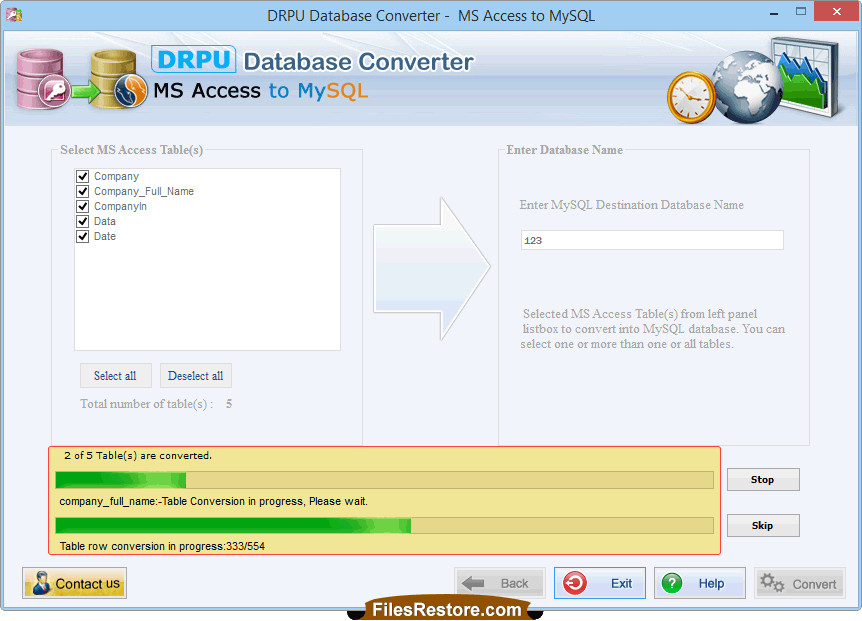
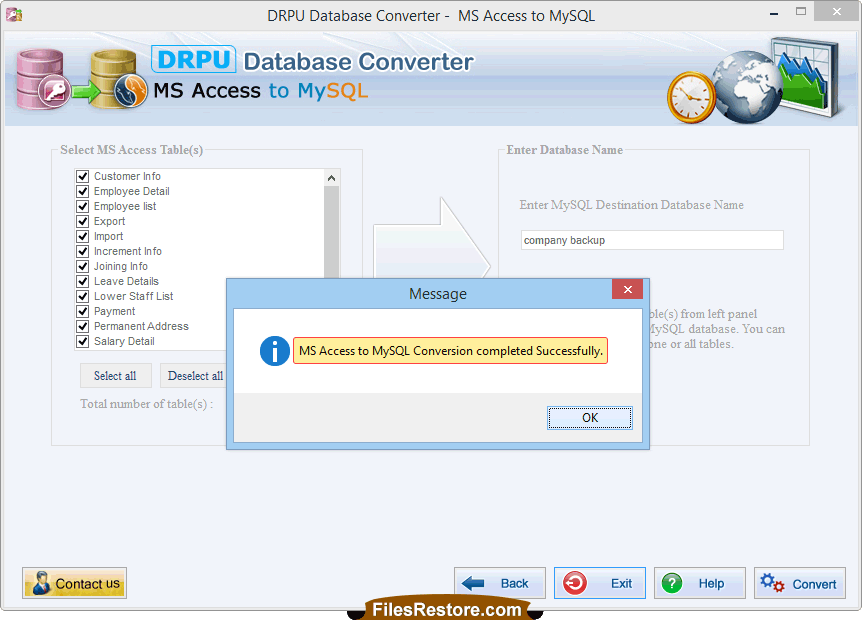
MS Access to MySQL Database Converter Software is the primary solution that performs database conversion from MS Access database records to MySQL database server. Software is extremely useful for those users who want to convert MS Access database records into MySQL server in most easiest and affordable way. Database converter application tool supports all entities, data types, attributes, default value, null value, primary key or unique key constraints for converting user’s selected database table’s records or group database of MS Access to MySQL DB server.
Database conversion utility is fully capable to convert password protected Microsoft access database (MDB) files into MySQL server. Software easily performs database conversion from one format to another and provides option for either saving converted database records at user specified location or overwrite/merge converted MS Access database content with an existing MySQL database. Software is less expensive then other database converter program. |
|
|
|
| ------------------------------------------------------------------------------------------------------------- |
| Software Features: |
- Simplifies the task of converting MS Access database records into MySQL server.
- Convert particular database record or entire DB files into MySQL server.
- Support all major and latest versions of MS Access.
- Full install and uninstall support.
|
|
|
| When to Use? |
- Want to convert MS Access database record to MySQL server.
- To save time of creating new database records.
|
|
|
| ------------------------------------------------------------------------------------------------------------- |
| Why Choose Database Converter Tool? |
- Provide safe database conversion and maintain database integrity.
- Provide help manual for user’s assistance.
- Converter utility has interactive wizard style GUI.
- Popular database converter application among users.
- Handle every user’s requirement in easiest and affordable way.
- Effectively designed for the advanced users.
|
|
| ------------------------------------------------------------------------------------------------------------- |
| |
| ------------------------------------------------------------------------------------------------------------- |
|
| |
|
|